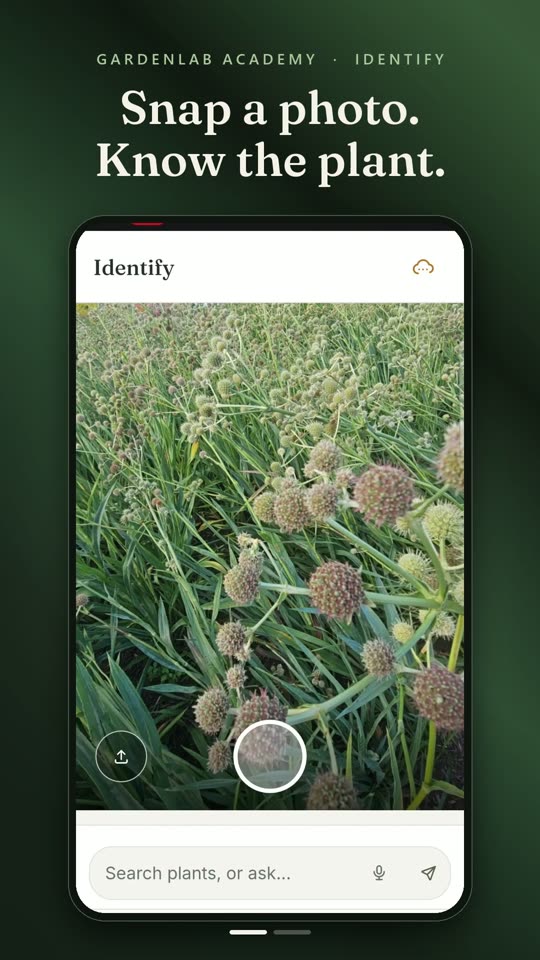
1 · Identify
Snap a photo. Know the plant.
GardeningLab says what it thinks and how sure it is. You confirm. Only then is it written down.
 Film coming soon

Native gardens, tended on time. Every plant you grow gets its own care schedule, written from each plant's botanical record and fitted to your soil, your light, your region. You decide what goes on the calendar; GardeningLab makes sure nothing slips.
 Point your phone's camera here to open it where it belongs.
Seven things GardeningLab does, shown in the app itself, in a real garden. Each one is also a twenty-second lesson of its own.
Pressing play loads the film from YouTube. Until you do, this page asks YouTube for nothing. Privacy
Every gardener asks the same four. What should I do this week? A care calendar built from each plant's own needs. See it · 20 s Can I trust this? Our regional records name a source for every filled field, the rest name theirs where we have one, and nothing is called reviewed until a person has checked it. See it · 20 s Will it grow here? GardeningLab reads your spot's light, moisture, soil and climate, and recommends plants that will thrive there, natives first. See it · 20 s What has to go? Mark the invasive, the struggling, the misplaced; removal lands on the calendar.
One job per film, shown in the app itself, in a real garden. Press play on a lesson and it loads from YouTube; until you do, this page asks YouTube for nothing.
GardeningLab says what it thinks and how sure it is. You confirm. Only then is it written down.
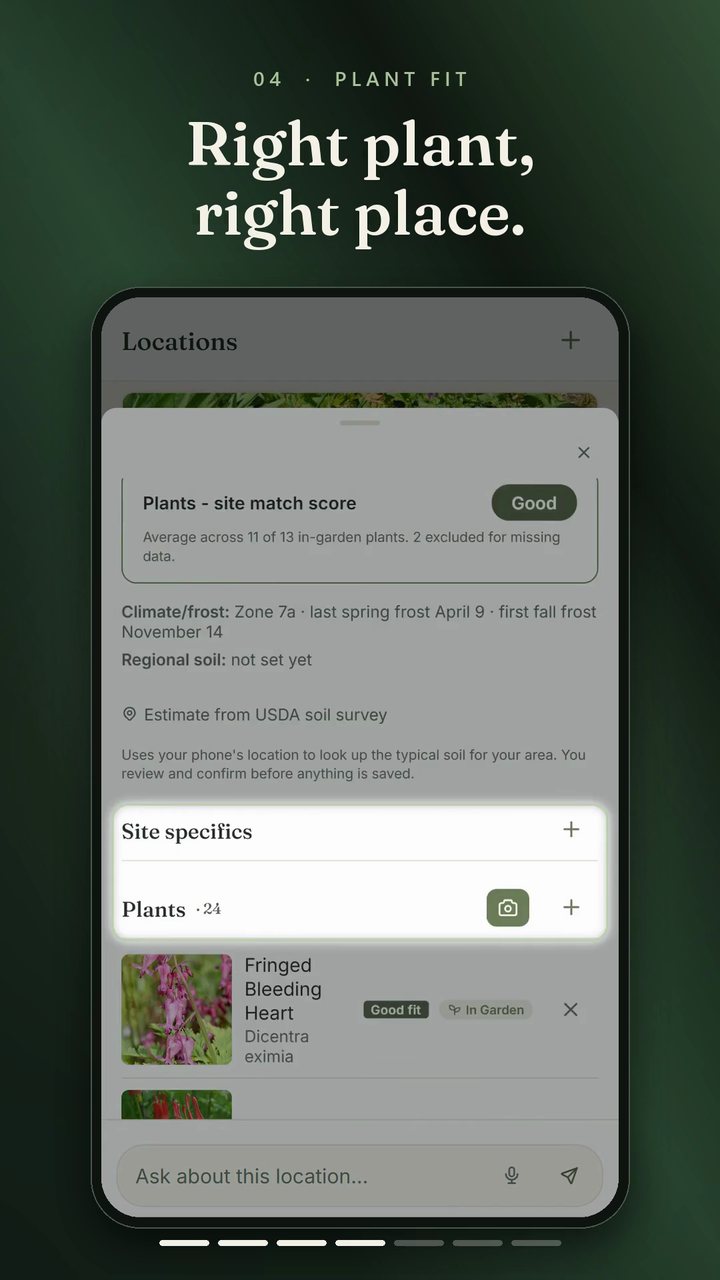
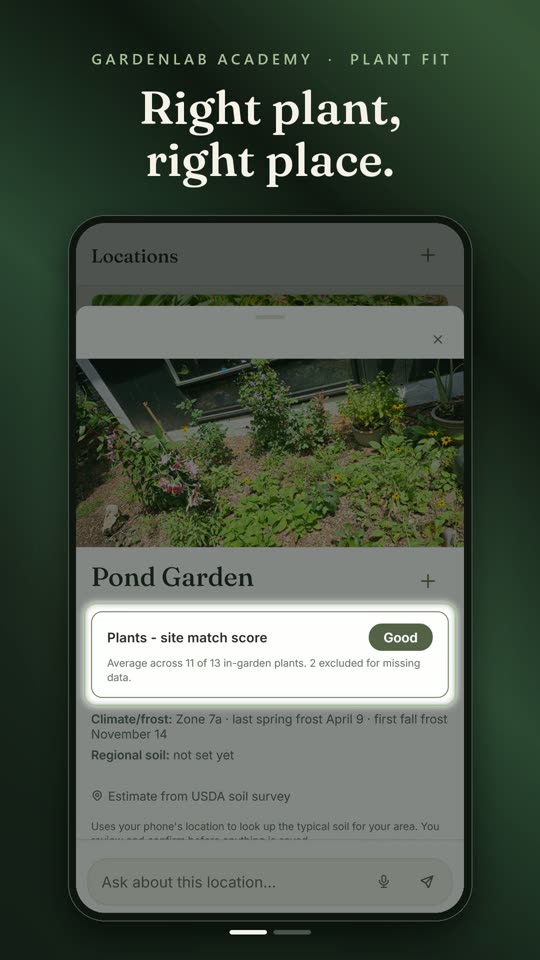
Film coming soonEvery bed knows its light, moisture and soil. Each plant is checked against the bed it stands in, with the reason in words.
 Film coming soon
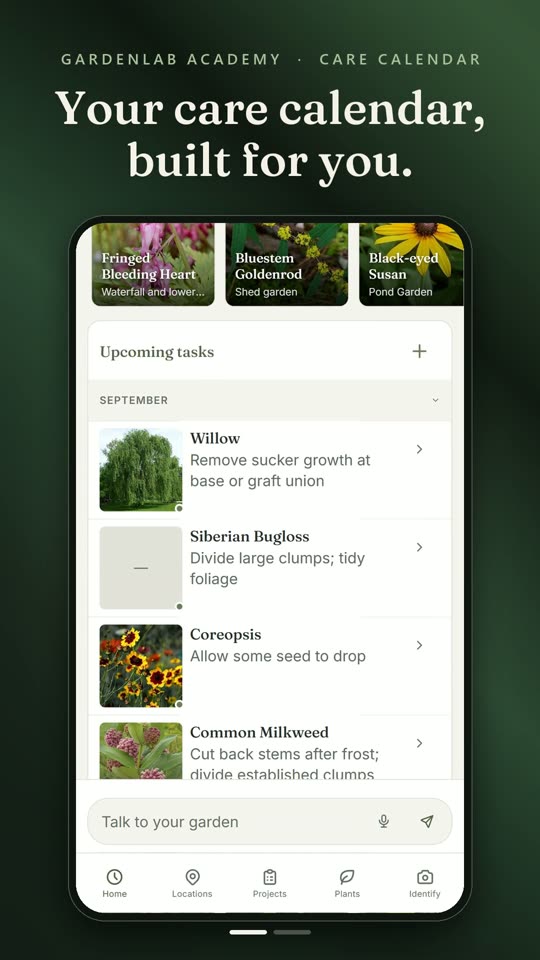
Built from each plant's own record. Swipe a task when it's done, or postpone it. Project dates land there too.
 Film coming soon
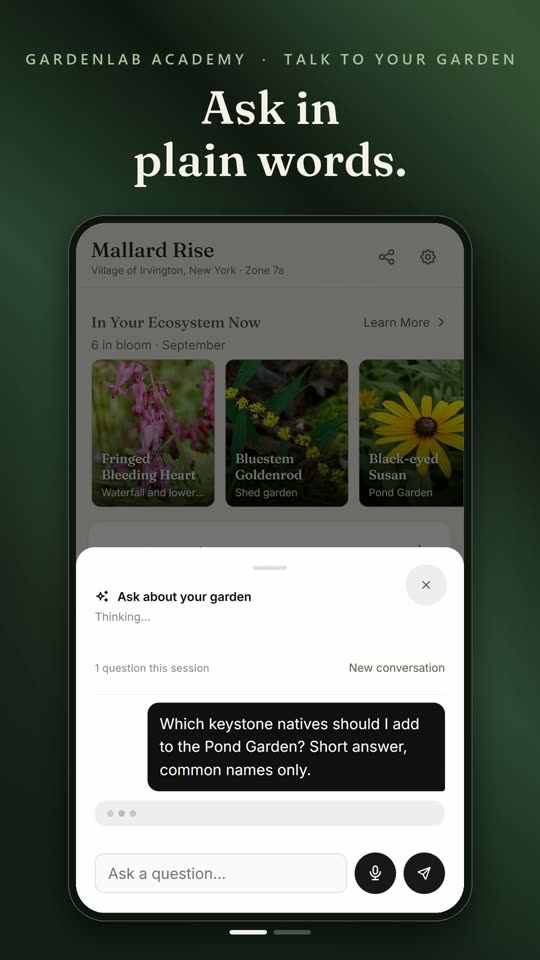
By voice or by text. A summary of your garden travels with the question, so the answer is about your beds, your plants, your season.
 Film coming soon
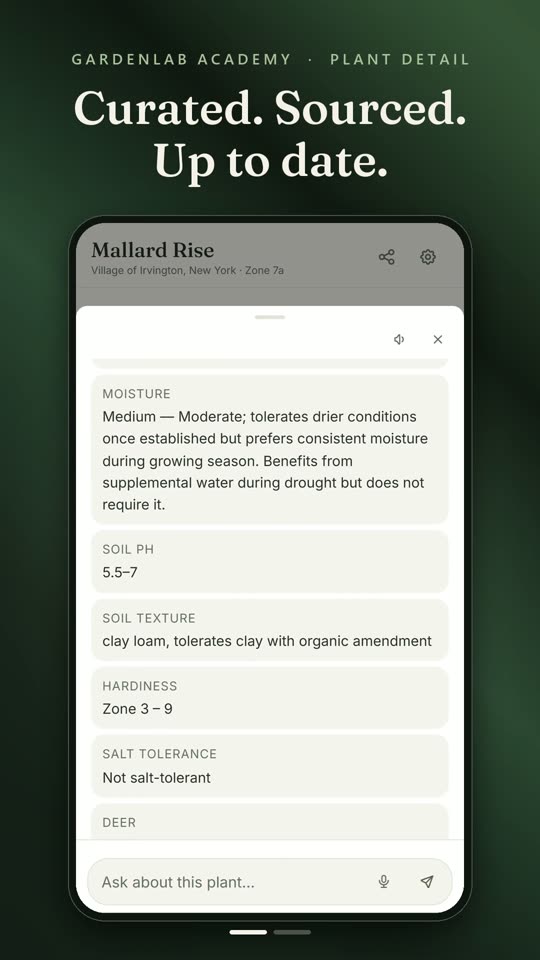
Open any plant for its botanical record. Scroll down to Sources to see which source each cited fact came from.
 Film coming soon
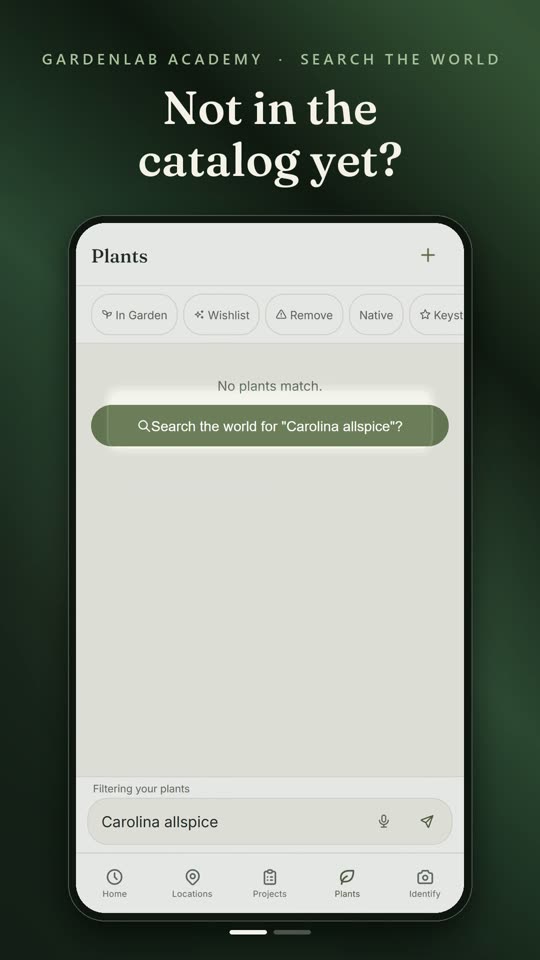
Type its name. One tap, and GardeningLab drafts the record for you to check and edit, labelled AI-drafted.
 Film coming soon
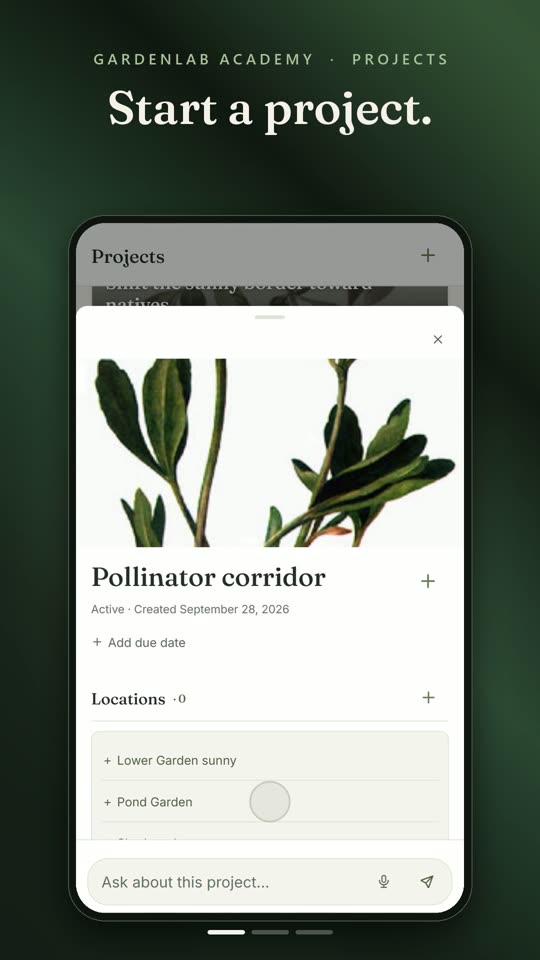
Start a project, put it on the beds it touches, and give it a date.
 Film coming soon
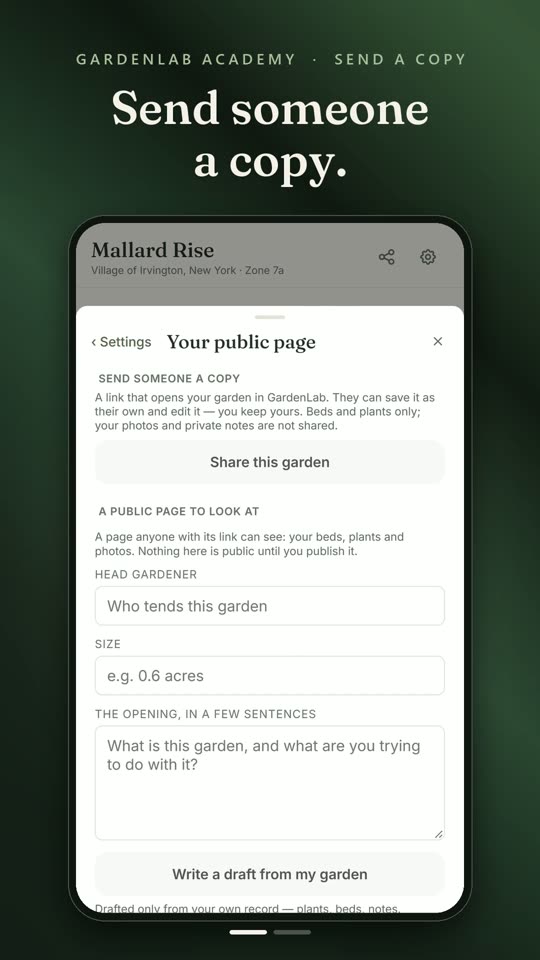
Send someone a copy they can save as their own, or publish a page anyone with the link can see.
 Film coming soon
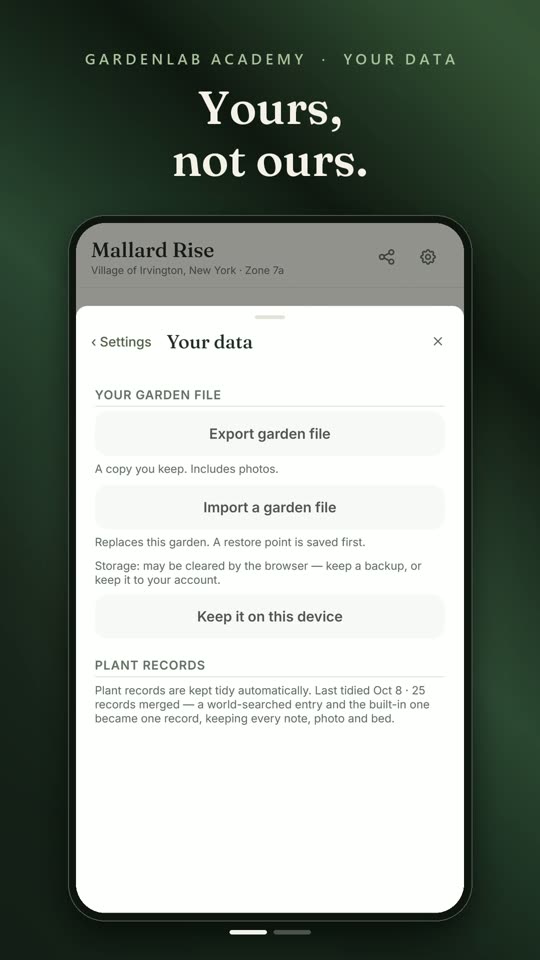
The record lives on your device. Export a file any time, photos included. Delete everything whenever you like.
 Film coming soon
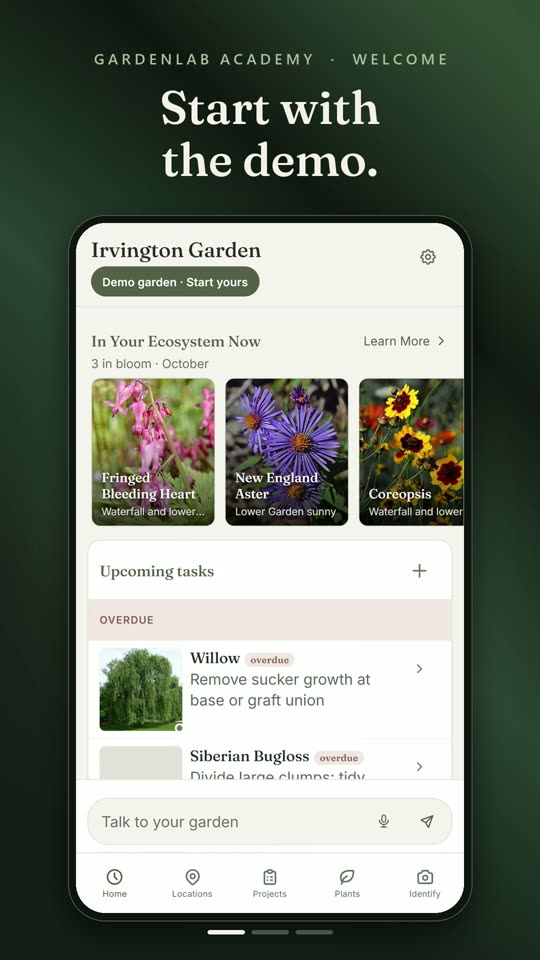
You arrive in a real garden. When you're ready, keep it as a starting point or begin with nothing, and name it.
 Film coming soon
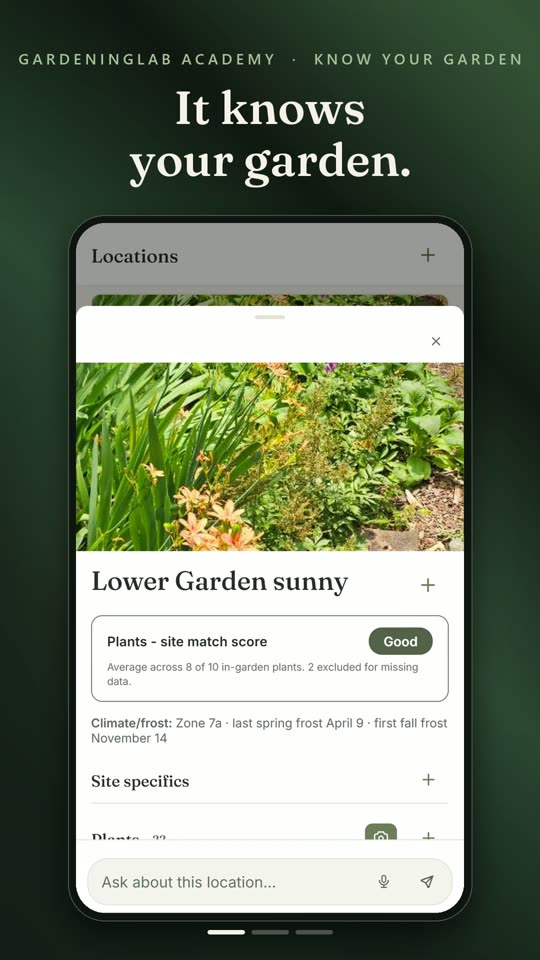
It knows your zone and frost dates. Each plant is checked against its bed's moisture, soil and hardiness. Tap + and natives that suit the bed's light come first.
 Film coming soon
Scroll sideways for all eleven.
Open the demo garden, look around, and press "Start yours" when you're ready.
Mt. Cuba, Cornell, Missouri Botanical Garden and Rutgers are cited by hand from their publications; we are checking each citation against its source. Cited, not endorsed. See all our sources
Most gardens are held in one person's memory, and that person is rarely the one holding the trowel on Thursday. GardeningLab moves the garden out of your head and into a record anyone can read.
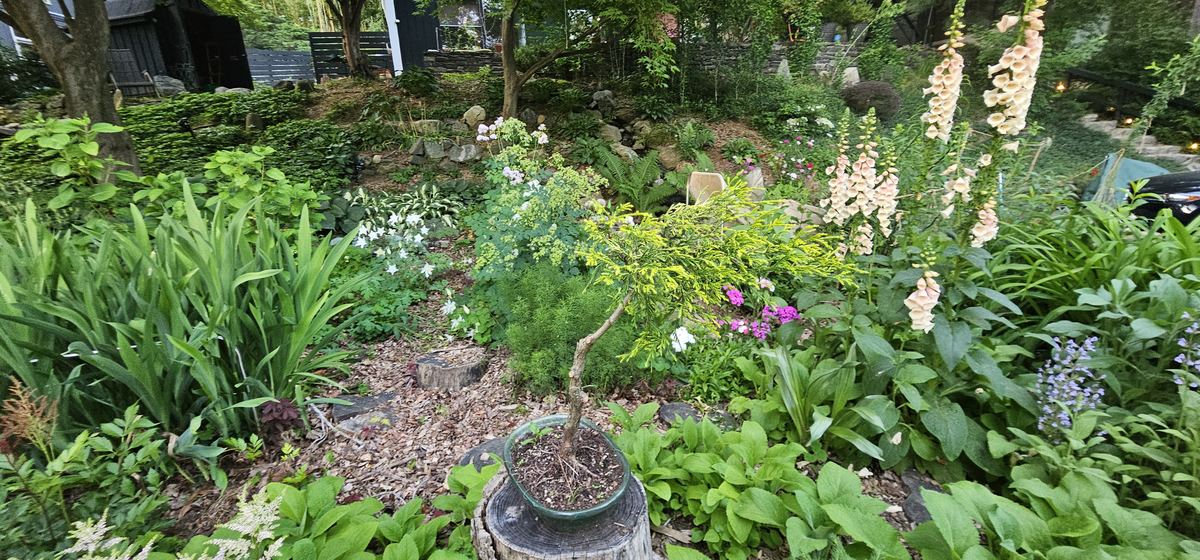
Group them by bed. Each bed gets its own light, moisture and soil notes, once, and remembers them.
See it · 20 s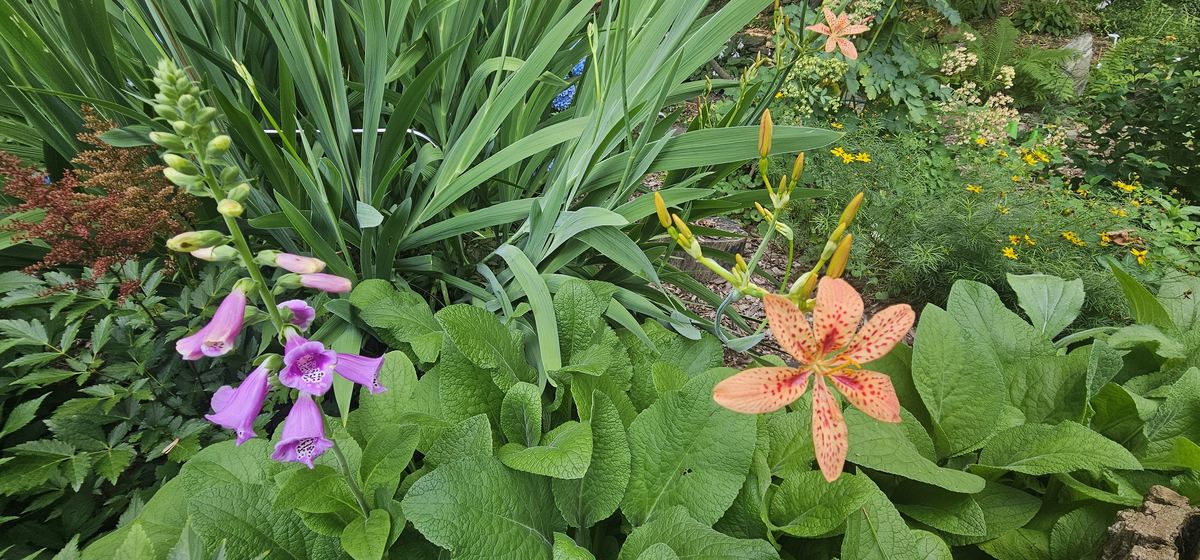
Identification is tuned to the northeastern United States, so the answer is one name, not a list of everything with an oval leaf. An unsure match is shown as unsure.
See the record · 20 s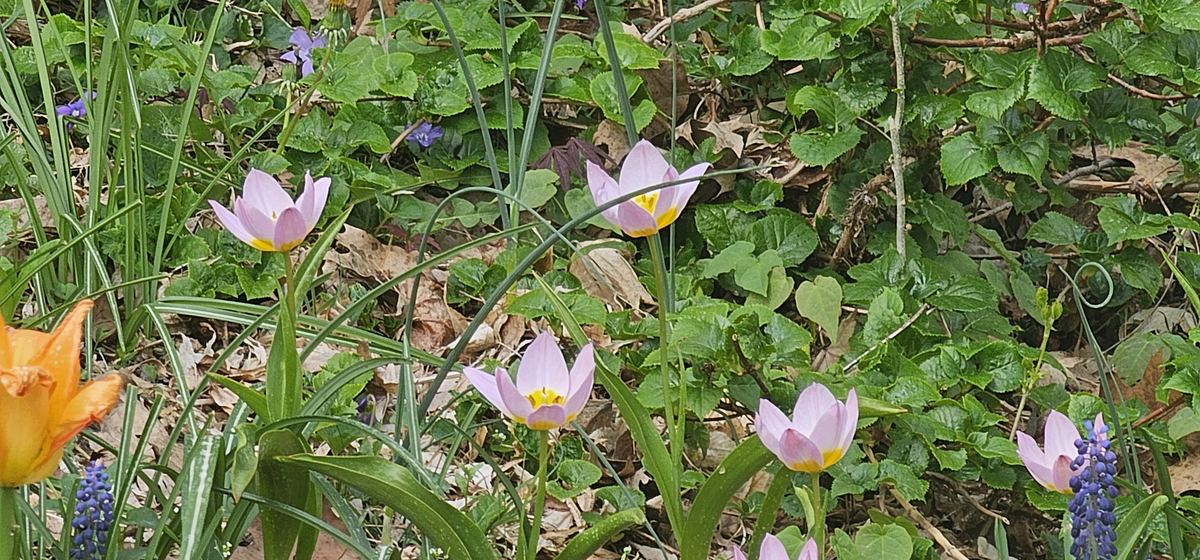
GardeningLab checks each plant against its bed and recommends ones that will thrive there, natives from your own region first. Add, move, or mark a plant for removal. Start a project across several beds and date the work.
See plant fit · 20 s
Every plant's care, drawn from its own record, lands on one calendar. Postpone a task. The plants you've marked to go are there too, so nothing you decided gets forgotten.
See the calendar · 20 sGardeningLab is local-first. The garden you build lives in your browser, on your device. If you want it on a second phone, or safe from a lost one, keep it online with an email address or a Google account, and nothing else.
Never asked for Your address, your contacts, anything for advertising. Your location only if you choose to share it, and then only the town is kept.
Never done by GardeningLab Selling your data, sharing it, or training anything on it.
Sent out only when you ask A photo, to identify a plant; a question, to answer it. The full list is short and names who receives what.
Yes. Everything is free: no trial, no ads, nothing to unlock. GardeningLab is made by one gardener and run on a shoestring; the costs are small and ours.
No. Open it and start. An account is offered only when you want the same garden on a second phone, or safe from a lost one; an email address or a Google sign-in is all it takes, and it is never required. What stays yours · 20 s
It runs in the browser you already have, on Android and iPhone, with nothing to install. It asks for the camera only when you photograph a plant, and for your location only if you choose to set your garden's town that way. You can add it to your home screen if you like.
That is the point. Photograph the plant and GardeningLab suggests the name and how sure it is; you only confirm. Anything it does not know, it looks up for you and drafts the record, clearly labelled AI-drafted. Identify · 20 s · Search the world · 20 s
If you kept the garden to an account, it is there on the next phone. If you did not, the file you can export at any time, photos included, is your copy. Either way nothing is ever sold or shared, and you can delete everything whenever you like.
Start with the demo, poke around a real garden, and press "Start yours" when you're ready. It takes one tap.
Open GardeningLab on this phoneOpen the demo gardenA garden recorded over seasons, plant by plant and date by date, is an observation science does not have and cannot easily get another way. GardeningLab is built so that, once there is enough of that record and only if you choose, yours could one day be contributed. Today nothing is, and the app has no way to do it. More on that, and on who makes this.